Direct Answer / Key Takeaway: Build a kitchen equipment asset register connecting model and serial identity with utility data, manuals, maintenance, spare parts and controlled change.
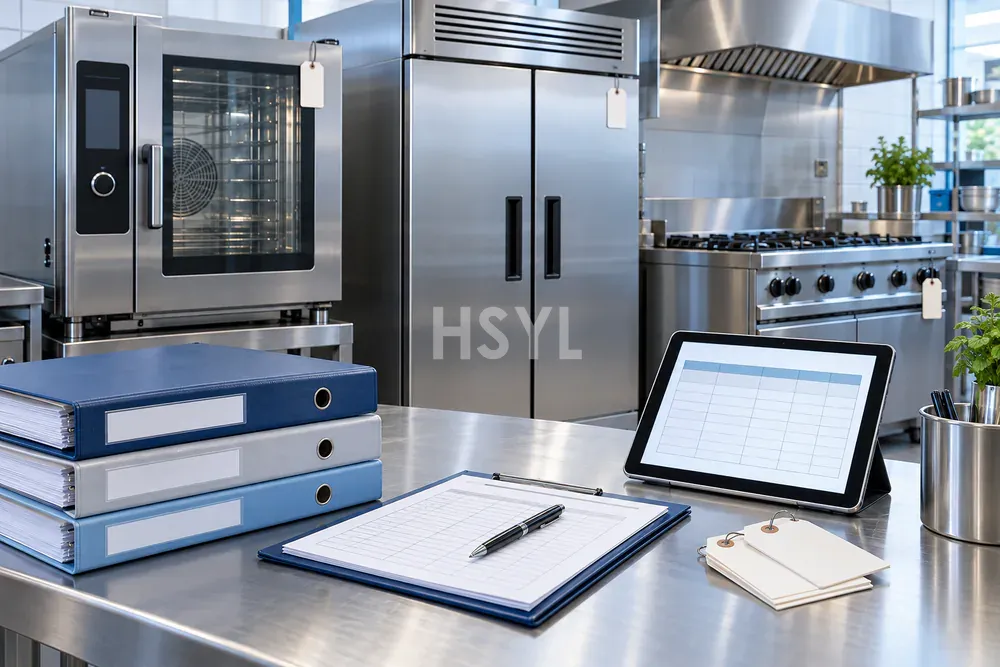
A commercial kitchen equipment asset register should connect an installed appliance to the documents and decisions needed to operate, maintain and replace it. An inventory containing only “oven, dishwasher, refrigerator” cannot reliably identify the correct spare part or explain which utility connection belongs to a relocated unit.
Give each asset a stable identity, then link its model, serial number, location and current configuration to controlled records. The register can begin as a spreadsheet if the kitchen is small; consistency and ownership matter more than the choice of software.
Separate the asset ID from changeable descriptions
The asset ID identifies one managed item. Its room, position or operating role may change over time, so do not rely on those descriptions as the only identity. Keep replacement equipment distinguishable from the appliance it replaced, even when both occupy the same location.
As a hypothetical record structure, an asset could have an internal ID such as K-014, a supplier model and a serial number. K-014 is a local example, not an HSYL model designation. The three fields serve different purposes and should not be combined into one ambiguous label.
Use a small set of reliable core fields
| Field group | Core content | Linked evidence |
|---|---|---|
| Identity | Asset ID, model, serial number and configuration | Identity-plate photograph and order reference |
| Location | Building, room and current equipment position | Approved layout revision |
| Connections | Applicable utilities and their confirmed interfaces | Utility schedule and installation record |
| Documents | Manuals, drawings and operating instructions | Document titles, revisions and controlled locations |
| Service | Maintenance tasks, fault history and outstanding actions | Work reports and release records |
| Parts | Confirmed spare identities and substitutions | Supplier compatibility confirmation |
| Ownership | Operational owner and document administrator | Current responsibility record |
Leave an unconfirmed field clearly marked as unconfirmed. A blank supported by a follow-up action is more useful than an invented capacity, utility value or certification. Identify who will obtain the missing evidence and how the register will be updated.
Link documents without duplicating conflicting copies
Record the document title, revision, equipment applicability and controlled file location. Keep obsolete revisions identifiable so that a technician does not mistake an old connection drawing for the current arrangement. A folder full of unlabeled PDFs is not a controlled document register.
Distinguish a general brochure from the instructions applicable to the installed model. Also separate supplier documents, site drawings, test records and later service reports. These documents answer different questions and should not acquire the same evidential status simply because they share a folder.
The commercial kitchen utility schedule can support connection coordination. Link its equipment entry to the asset ID and retain the approved revision rather than copying unexplained values into a disconnected inventory.
Record changes as events
When equipment moves, a part is substituted or a setting affecting the approved process changes, retain a dated event with the responsible person and supporting document. Update the current state without erasing the earlier history. This makes a later fault review possible.
For a replacement, identify the retired asset, the incoming asset and the documents transferred or superseded. Do not reuse an old serial number or leave the previous maintenance calendar attached to a different model. Review the task and spare parts records for the incoming configuration.
Make the register usable during an outage
Provide authorized staff with a practical route from the physical asset to its records. An asset label, room index or controlled digital reference can serve that purpose. Test whether someone who did not create the register can locate the model identity, current manual and service contact.
Keep access appropriate to the document sensitivity. Equipment records do not need unrelated customer details, personal data or credentials. A shared link should provide the necessary maintenance information without exposing other business files.
Assign ownership and review triggers
Name the person responsible for receiving equipment documents and the person who updates changes after service. Review records when assets are installed, moved, serviced, replaced or retired. Periodic reconciliation can identify missing labels and obsolete documents, but it should complement those event-driven updates.
An asset register organizes evidence; it does not independently prove compliance, operating performance or warranty coverage. Keep the underlying approvals and records accessible. For equipment support, provide the relevant asset identity through the installation and maintenance route so the discussion begins with the correct appliance.