Direct Answer / Key Takeaway: Prepare equipment warranty claim evidence with model identity, fault chronology, operating records, photographs and the supplier‘s actual claim procedure.
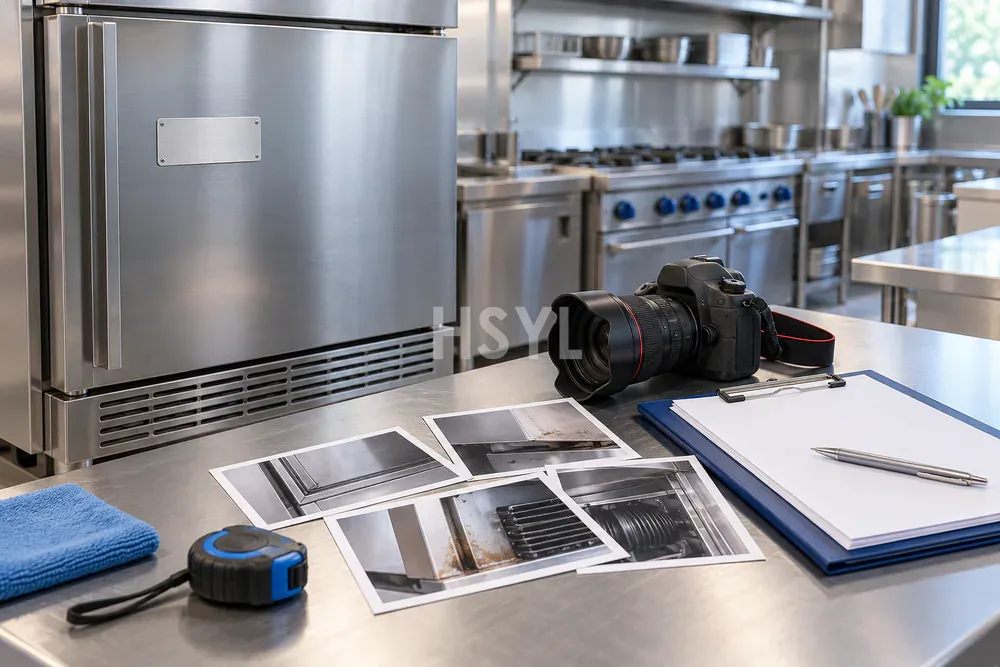
A commercial kitchen equipment warranty claim is easier for a supplier to assess when the record identifies the appliance, describes the fault and separates observed facts from assumptions. “The machine is broken” leaves unanswered questions about configuration, installation, timing and the condition that triggered the report.
Begin with the purchase contract and the supplier's written claim procedure. This article describes how to organize evidence; it does not assign a warranty term, reporting deadline or coverage decision to any equipment order.
Identify the supplied equipment and agreement
Record the equipment model, serial number, asset location and purchase reference. Include the relevant delivery, installation and commissioning records where available. Photograph the identity plate clearly enough for the supplier to read it, while avoiding unrelated personal or customer information.
Keep the actual warranty documents with the claim file. Check the stated scope, required notification route, service authorization process and documents requested. A marketing statement from another model or manufacturer should not replace the agreement governing this appliance.
Write a chronology that can be checked
Describe when the equipment last operated as expected, when the fault was first observed and what happened immediately beforehand. State whether the condition is continuous or intermittent. Record the displayed message exactly, without converting a code into an unconfirmed diagnosis.
| Record | Useful content | Avoid |
|---|---|---|
| Fault observation | Date, operating state and visible or displayed symptom | Calling a component defective without diagnosis |
| Equipment identity | Model, serial number and configuration | Using only a generic appliance description |
| Operating context | Relevant load, program and documented site conditions | Inventing values that were not measured |
| Earlier intervention | Who did what, when and under whose authorization | Omitting a repair or component substitution |
| Evidence files | Labelled photographs, logs and service reports | Unlabelled images with no chronology |
For a hypothetical intermittent fault, distinguish “the display showed a warning during three recorded starts” from “the controller is faulty.” The first statement reports evidence. The second requires a technical conclusion that may not yet exist.
Record the operating and installation context
Collect relevant commissioning checks, utility information and maintenance records already available. If a measurement was not taken, say so. Reconstructing an apparently precise value from memory makes the file less reliable than an explicit gap.
Include documented changes after commissioning, such as relocation, a software update, a utility alteration or a replacement accessory. These facts help the supplier understand the appliance's current condition. They should be recorded without deciding in advance whether they affect coverage.
Follow the authorized service route
Report a potentially unsafe condition through the site's safety and equipment isolation procedure. Do not keep operating the appliance simply to obtain a video, and do not open an energized cabinet or dismantle a component for evidence. Qualified personnel should perform any necessary technical investigation under the applicable instructions.
Before a repair, component return or disposal, obtain the supplier instructions required by the actual claim process. Record written authorization, the work scope and who performed it. Keep removed components or other evidence only as directed and in suitable conditions.
Separate urgent continuity decisions from the coverage review. Hiring backup equipment or changing the menu may be necessary for service, but those actions do not establish which costs the warranty agreement covers.
Send one organized claim packet
Use a short cover note naming the asset, the observation, the operational consequence and the requested next step. Attach the chronology, agreement reference, labelled evidence and relevant service record. Maintain a list of attachments so later correspondence refers to the same documents.
Record the date sent, supplier reference and subsequent requests. When additional information changes the chronology, issue a dated update rather than replacing the earlier record without explanation. The outcome should state the supplier's decision and agreed action, including any unresolved item.
The HSYL contact route can be used for an equipment inquiry. Provide the actual order and equipment identity; obtain the claim procedure and any service authorization for that order rather than relying on a generic warranty assumption.