Direct Answer / Key Takeaway: Build a commercial kitchen preventive maintenance schedule using model requirements, access windows, backup production and documented return-to-service checks.
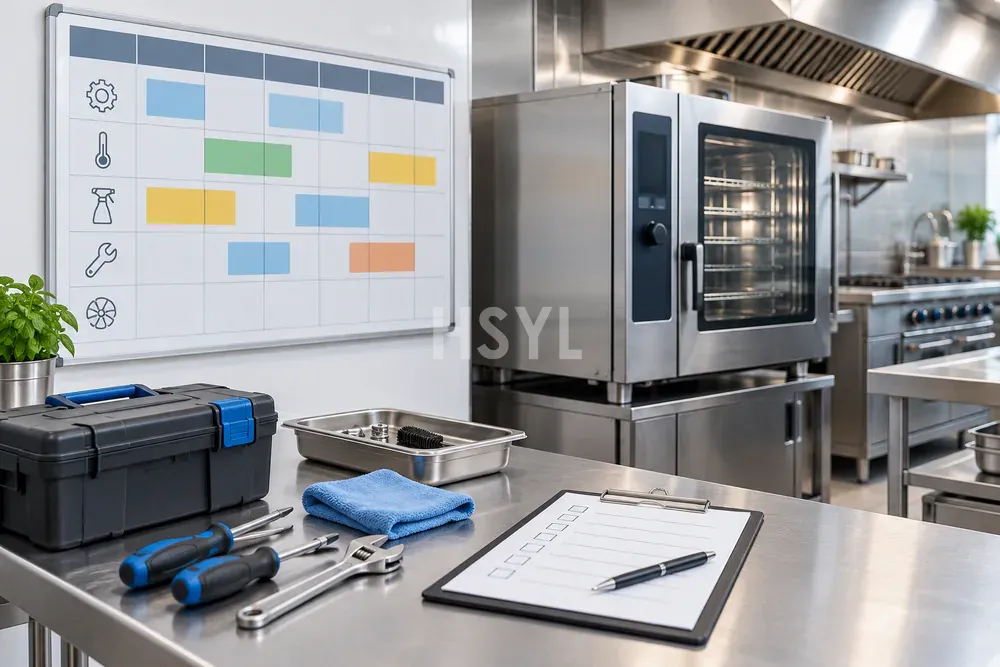
A commercial kitchen preventive maintenance schedule needs two kinds of information: what the installed equipment requires and when the kitchen can release it for the work. A calendar built only around quiet periods can miss required tasks. A calendar copied directly from a manual can also fail if the site never provides access, staff or a production alternative.
Start with the current model documentation and the asset register. Then coordinate the tasks with the real menu and service timetable. Keep routine operator care and specialist service clearly assigned so that a scheduled activity has a competent owner.
Create a task register before placing dates
For every appliance, record the source of each task, its applicable trigger, the responsible role and the evidence of completion. An interval may be calendar-based, usage-based or condition-based; use the equipment instructions to determine which applies. Do not convert an observation into a new universal interval.
Manufacturer guidance is model-specific. For example, Hobart's undercounter care guidance belongs to its stated equipment context. It can illustrate why care instructions matter, but it does not establish a maintenance program for an HSYL appliance or another brand.
| Task-register field | What to capture |
|---|---|
| Equipment identity | Asset ID, model, serial number and current configuration |
| Instruction source | Manual revision, supplier instruction or applicable site requirement |
| Task and trigger | Required action and the actual interval or condition stated by that source |
| Work preparation | Access, authorized isolation, parts and competent personnel |
| Production consequence | Processes unavailable and the agreed alternative |
| Completion evidence | Work record, findings and specified release checks |
Schedule the full outage, including recovery
The time a technician spends replacing a part is only one element of the service window. Preparation, access, isolation, cleaning where required, testing and return to production also need a place in the plan. Use estimates confirmed by the responsible service party and update them from documented experience.
Consider a hypothetical site scheduling service on its only usable large-batch cooker. Moving the appointment to after meal service does not automatically solve the conflict if the next day's preparation begins immediately afterward. Show both production windows and the complete service period on the same calendar.
Confirm the backup process before the outage. Identify which menu items it can support, who operates it and which downstream steps change. A backup appliance on the asset list is not sufficient when it is unavailable, unconnected or already assigned to other work.
Use observations without overriding required care
Record recurring findings such as access obstructions, damaged components or abnormal operating behavior through the site's fault process. These observations may justify a supplier review of the maintenance plan. They do not authorize unapproved adjustment, bypassing a protection device or extending a required interval.
If a scheduled task cannot be completed, retain its due status and escalate the reason. Record the operational restriction or interim decision made by the responsible party. Silently moving the date removes the evidence needed to understand the missed requirement.
Prepare the work package before the appointment
Give the service party the equipment identity, reported issues, relevant manuals, access details and approved scope. Confirm required parts and whether their compatibility has been checked. Arrange a location for tools and removed components that does not interfere with food handling or site circulation.
Allocate responsibility for notifying operators, releasing the equipment and accepting it back. Changes to settings or configuration should be recorded against the asset. A completed invoice is not a substitute for the relevant service findings and return-to-service record.
Review the calendar when the kitchen changes
Reassess the schedule after a menu change, increased operating hours, equipment replacement or a revised manufacturer instruction. Update the task register and calendar together so that the visible dates still reflect the applicable requirements.
Track completion, unresolved findings and repeated access problems as separate items. This distinguishes work that happened from equipment that is ready for its assigned duty. Bring the current register and production windows to the installation and maintenance review when coordinating support for a specific kitchen.